AI Stem Separation
Extract vocals, drums, bass, and other stems with Demucs-powered local processing.
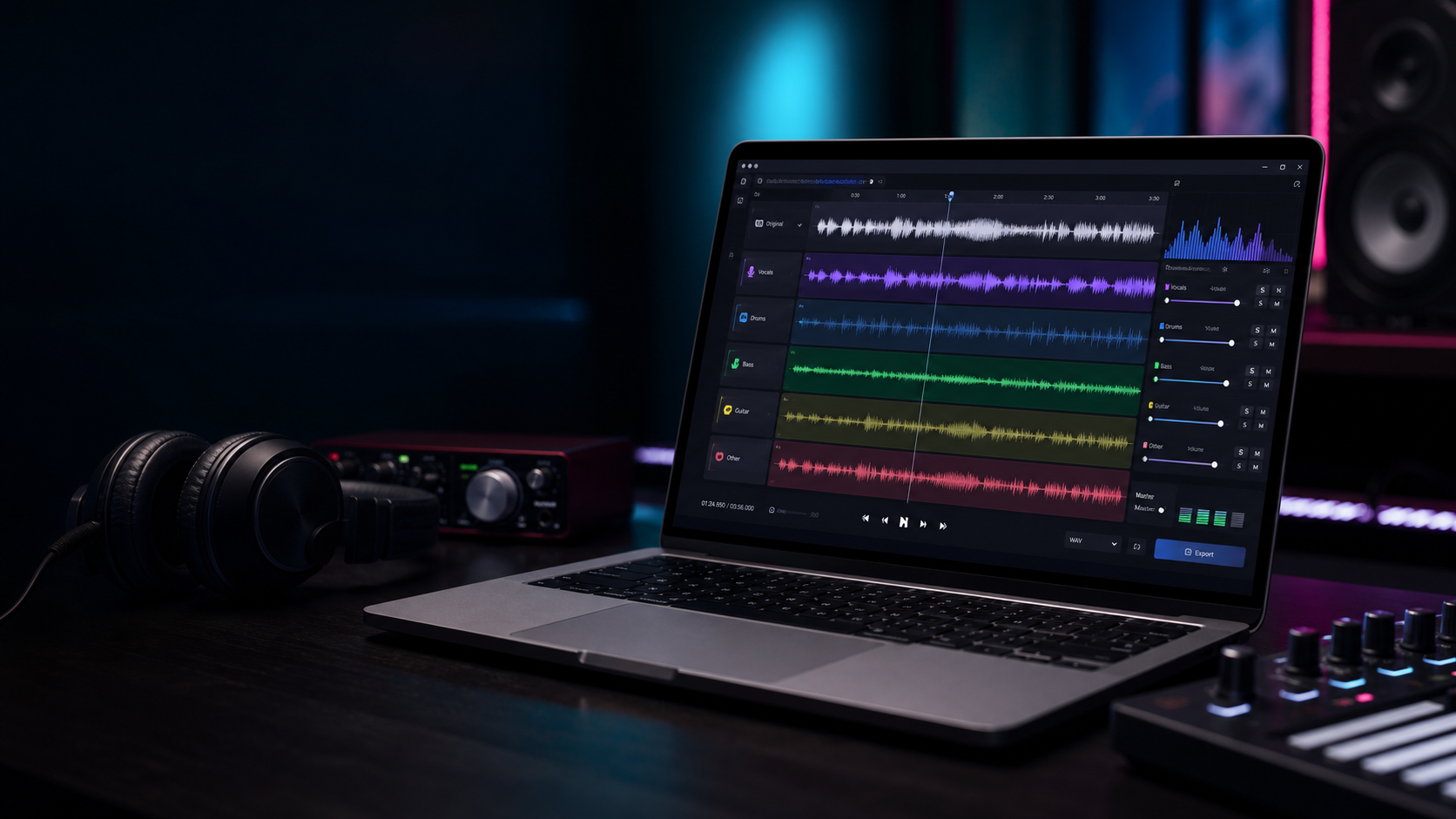
Private desktop AI for music creators
Separate vocals, drums, bass, and instrumentals on your own computer. No cloud upload, no server queue, no permanent storage.
Built for fast creator workflows
Extract vocals, drums, bass, and other stems with Demucs-powered local processing.
Create instrumental versions for covers, practice, remixes, and performance prep.
Use the same polished SonicSplit interface inside a Windows desktop app.
Detect BPM, key, duration, loudness, and per-stem details after separation.
Mute, solo, change stem volume, compare vocals and instrumentals, and use waveform seeking.
Generated files auto-delete. Keep what you export, and leave the rest behind.
Privacy by design
SonicSplit AI runs the separation engine locally. The desktop app starts a private audio engine on your computer and processes temporary files there.
Windows beta
The beta installer includes the desktop app and local audio engine. First launch can take a minute while the AI engine starts.
Download for WindowsWindows 10 or newer recommended. Installer size is around 374 MB. macOS build is planned after the Windows beta is stable.